
Submission receipt
Once a month has been lodged, Loop IQ displays a confirmation. This serves as your record that the submission was received successfully.
Before you start
Plan: Available on all plans.
- Requirements: A lodged month.
Find your confirmation number
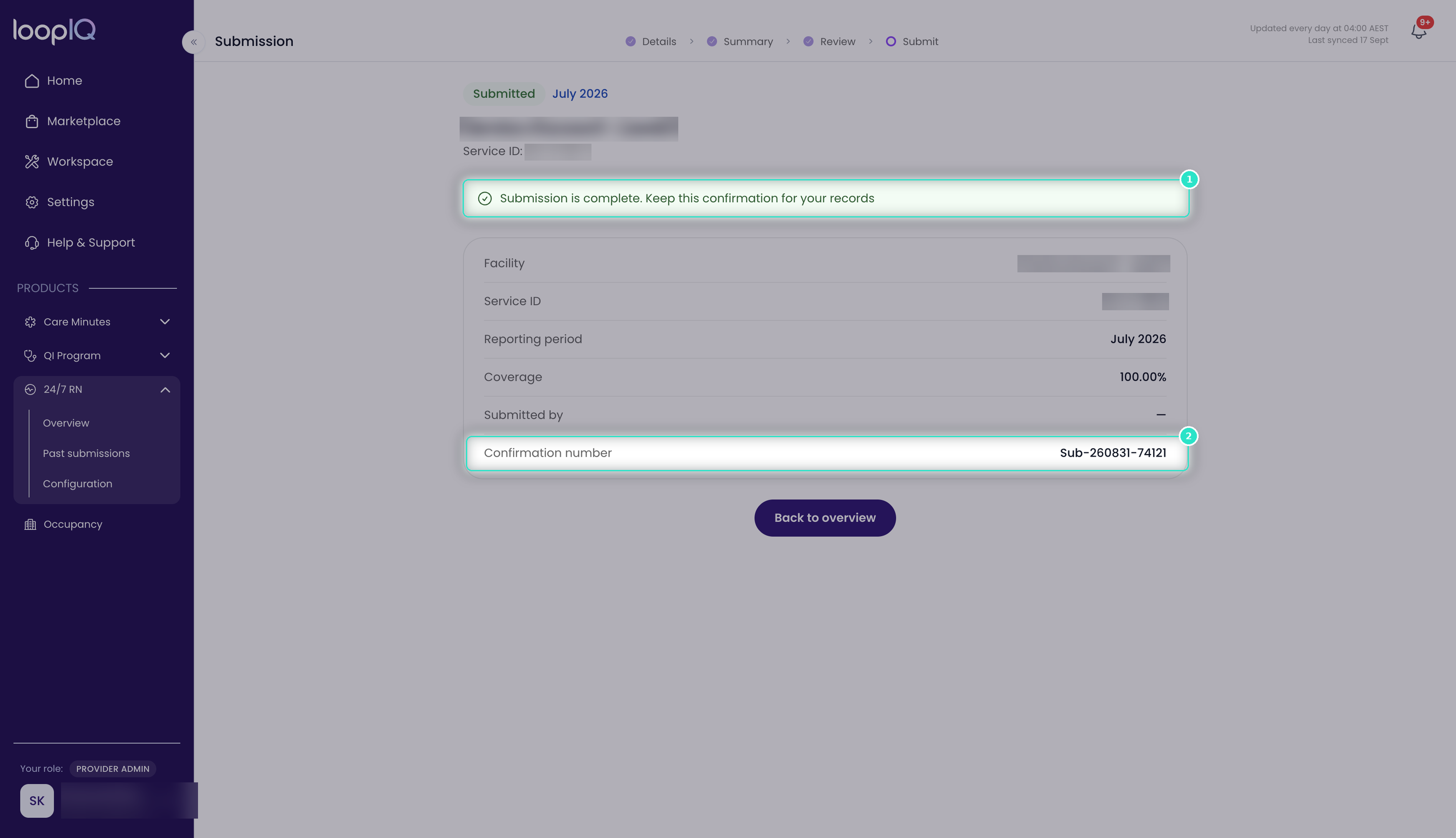
- Check the confirmation banner (1) to verify that the lodgement was completed.
- Record the Confirmation number (2).
- Click Back to overview when you have finished.
The receipt also displays the Facility, Service ID, Reporting period, Coverage and Submitted by details.
Note: Keep a record of your confirmation number. It identifies this lodgement if you need to contact the Department, and you will be asked for it first.
Was this article helpful?
Can't find what you are looking for?
Loop IQ customers - log a support ticket.
Not yet a customer? Email our support team.
 Log a support ticket
 support@loopiq.com.au